Why Does Fancy Text Show Up as Boxes (□)?
Those empty boxes are called "tofu". They appear when a device lacks a font for the Unicode characters behind fancy text — here is the full explanation, and how to avoid them.
On Instagram, fancy text works in your bio and name field and in captions and comments, because those accept any Unicode. It does not work in your @username, which Instagram limits to lowercase letters, numbers, periods and underscores. Story text uses Instagram's own built-in fonts, so paste styled text into a Story text box and it usually reverts to a standard typeface.
Yes. The bio is the single best place for styled text on Instagram. It accepts arbitrary Unicode, so script, bold, double-struck and small-caps letters paste straight in and display for most visitors. This is the field people most often want to decorate, and it is the most reliable one.
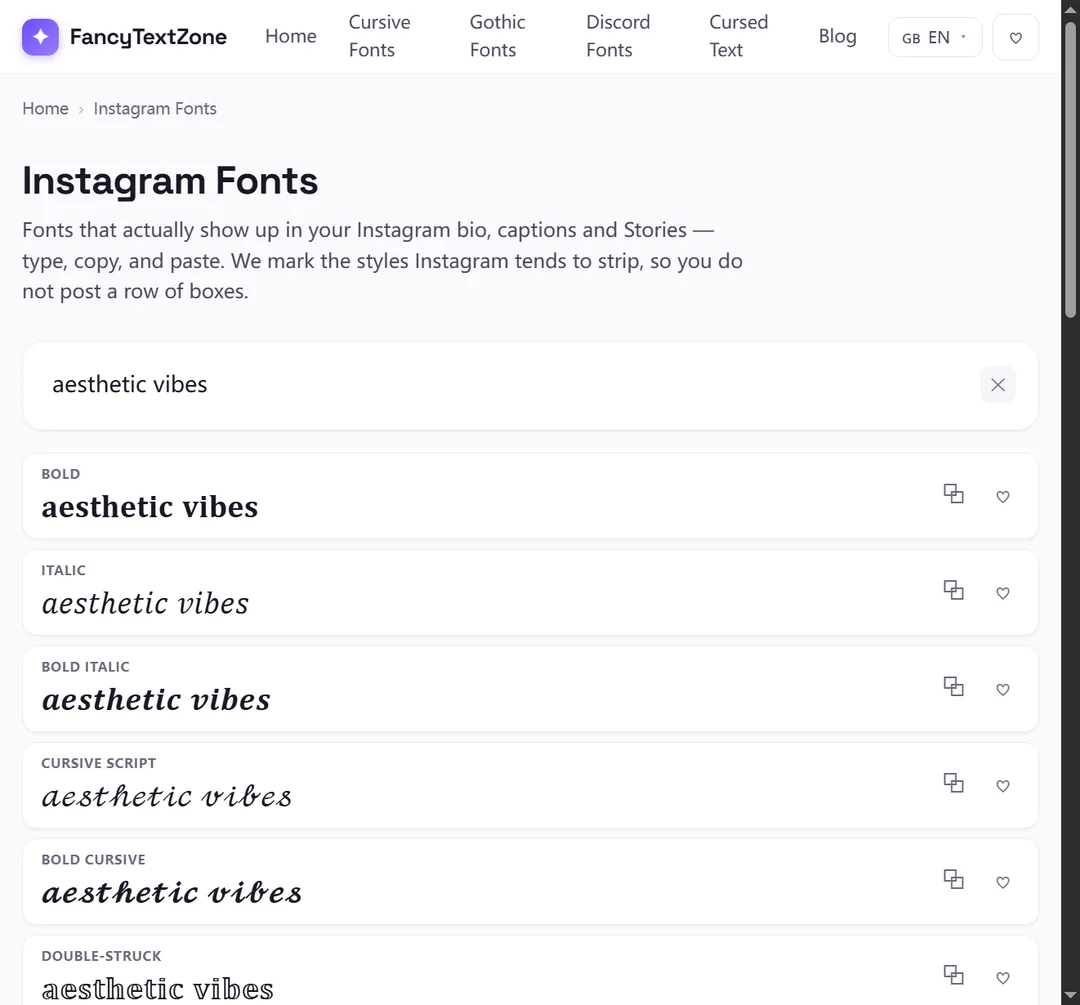
Generate the look in our Instagram fonts tool, copy it, and paste it into Edit Profile. Keep an eye on length: the bio caps at 150 characters, and some styled letters are single characters so they count as one each.
These two are constantly confused, and they behave in opposite ways:
The reason is structural: the handle has to be typeable on any keyboard, linkable in a URL and unambiguous enough that nobody can register a look-alike of you. So you can have a styled display name sitting directly above a plain @handle. That is the intended design, not a bug.
Mostly no, and for a different reason than the username. Instagram Stories give you a set of built-in fonts (Classic, Modern, Neon, Typewriter and so on) that re-render whatever you type in their own typeface. Paste styled Unicode into a Story text box and it typically collapses back to a standard font, because the Story editor is restyling the characters itself.
If you want a decorative Story caption, the native font picker is the more dependable route. Styled Unicode is better saved for the bio, name field, captions and comments.
| Field | Fancy text? | Why |
|---|---|---|
| Bio | Yes | Accepts any Unicode |
| Name field | Yes | Accepts any Unicode |
| Captions & comments | Yes | Accept any Unicode |
| @username (handle) | No | Restricted to a–z, 0–9, . and _ |
| Story text | Usually no | Re-rendered in Instagram's own fonts |
A field accepting Unicode only gets your styling in — it does not control how it comes out on each visitor's screen. Their phone draws your bio with its own fonts, and an older or cut-down device that lacks a glyph for a niche style shows a box (tofu) in its place. Those styled letters live in Unicode's Mathematical Alphanumeric Symbols block, which not every device font covers in full. Google's Noto project exists specifically to close those gaps — its name is short for "no tofu" — but you cannot count on every follower having such a font. Lean on the script and bold alphabets, which are the most widely shipped, and glance at your bio on a second phone before you call it done.
The process takes about thirty seconds. Open the Instagram fonts generator, type your text, and pick a style — script and bold travel best for a bio. Tap the style to copy it. In Instagram, go to your profile, tap Edit Profile, open the Bio field, paste, and save.
Then verify on your live profile rather than trusting the edit screen, and ideally glance at it on a second phone. If any character renders as a box, swap that style for a more widely supported one before you leave the page. The same steps work for the name field; only the @username refuses styled text. Keep a plain copy of anything you might need to retype by hand, like a campaign tag, since styled characters cannot be typed on a keyboard.
It can, so use it deliberately. Instagram's search matches your username and name field, and heavily styled Unicode is harder for that search to parse than plain letters — a fully stylised name can make you less discoverable when someone types your actual name. This is not a quirk of Instagram; it is baked into what these characters are. The W3C warns that using math symbols like Fraktur letters purely to pick a font "would create problems for searching, restyling (e.g. for accessibility), and many other kinds of processing." In other words, the very thing that makes the look portable is the thing that hides you from search.
The same applies to screen readers, which announce these characters by their formal Unicode names instead of reading your name naturally. The practical compromise: keep your real, searchable name mostly plain — it is the part people type — and reserve styled text for a decorative flourish or a tagline rather than every essential word. You keep the look without quietly removing yourself from search or from people using assistive technology. For the full picture of how styled text degrades for others, see why fancy text can look like gibberish to others.
For a profile that looks styled and stays readable:
Those empty boxes are called "tofu". They appear when a device lacks a font for the Unicode characters behind fancy text — here is the full explanation, and how to avoid them.
Styled text works in Discord display names, server nicknames and messages — but never in your new lowercase @username. And display names cap at 32 characters.